


Download MultiAlphas
Latest version 1.21.6360, released 11/27/2026
Windows 10/11 · 64-bit
 MultiAlphas by Valynox, an NVIDIA Inception program member.
- 1
Run the installer and follow the on-screen instructions.
- 2
Open MultiAlphas, paste your license key, and click Activate.
- 3
No license key yet? Sign in to the member center for a free 7-day trial. Start your free trial
Didn’t start? Click to download again
Windows 10/11 · 64-bit
- 1
Open the installer at the top right (officially signed; no setup needed on an ordinary PC)
- 2
Sign in with the same email you connected in Claude to start your 7-day trial (no card needed)
- 3
Start validating, exporting or generating in bulk
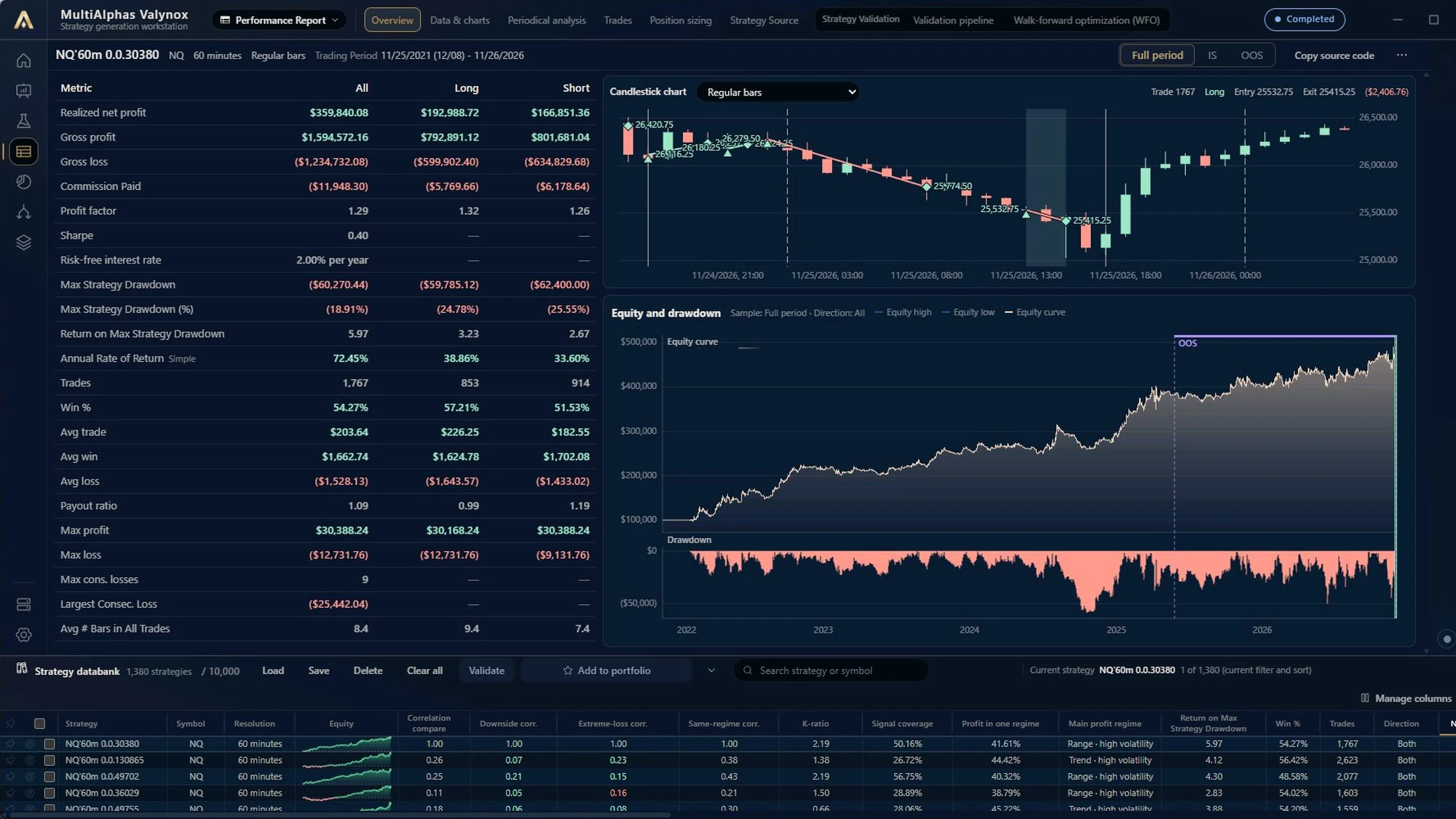
Strategy generation, backtesting, and unlocked source code stay on your local machine—never shared.
Never asks for broker credentials, never places live orders, and never holds client funds.
Your first strategy in 5 minutes
Pick built-in NQ/ES
Built-in CME futures (ES, NQ and more) and forex; contract roll settings included.
Pick one built-in style
Choose from 48 built-in trading styles. Before one is applied, every setting it changes is listed with its old and new value; save your own setup under My styles.
Apply the factory-default thresholds + tests
Every candidate pays fees and slippage; anything below your thresholds is dropped. Each test is marked fast or slow, so you can run the quick ones first.
Export in one click and paste into MultiCharts / TradingView
Exports to six platforms: MultiCharts, TradingView, TradeStation, NinjaTrader, MetaTrader 4 and MetaTrader 5. The trial exports to every platform the full version supports.
System requirements
MultiAlphas runs on 64-bit Windows 10/11. Classic (CPU-based) runs with any graphics card; Reserve (GPU-accelerated) computes on an NVIDIA GeForce GTX 10 series or newer card. Install the latest NVIDIA driver.
When you first open it
The first time you open MultiAlphas, the Welcome to MultiAlphas screen appears. Paste your license key and click Activate. Then click Market data database in the left sidebar and press Auto update at the top right to bring historical market data into the software for research and backtesting.
Free trial
No credit card required. Sign in to the member center with Google or your email; your account is created the first time you sign in. Request the 7-day free trial and your license key appears in the member center. The 7 days start when you first activate MultiAlphas, not on the day you request the key. The trial computes on an NVIDIA graphics card and exports to every platform the full version supports; some indicator families are available only in the full version.