


TradingVPS
PartnerTrading VPSWindows VPS hosting built for futures trading and NinjaTrader 8.
Works withNinjaTraderTradeStationMetaTrader
TradingVPS is a VPS provider built for traders, founded in 2024. It runs your trading platform around the clock on a server in a data centre: when your own computer is off or restarting, the platform and its strategies can keep running, and you manage them by Remote Desktop from a computer, tablet or phone.
Why we recommend TradingVPS
TradingVPS divides research and execution the way we do: strategies are researched and validated with MultiAlphas on your computer, and the trading platform runs on a VPS. In October 2026 the company published a full guide to researching ES and NQ strategies with MultiAlphas, exporting them to NinjaTrader, testing in simulation and then running them on a VPS, and it states plainly that a VPS cannot promise connectivity, fills or performance. We value that realistic approach, which is why we recommend TradingVPS to users who need a VPS.
- Data centres
- Chicago, New York, London, Frankfurt, Amsterdam, Dublin; Chicago, close to CME Group, is recommended for futures
- Hardware
- AMD Ryzen 9 9950X processors, DDR5 memory, NVMe SSD; a dedicated IPv4 address on every server
- Operating system
- Windows Server 2022 / Ubuntu 22.04
- Platforms
- NinjaTrader, TradeStation, MetaTrader 4/5, TradingView, Tradovate, Quantower, Bookmap, cTrader and more; broker-independent
- Plans
- Six tiers, sized by how many charts you run, from 1 to 8 or more; upgrades through support
- Setup and access
- Ready in about 5 minutes; Remote Desktop from a PC, laptop, tablet or phone; several platforms or accounts on one VPS
- Support and trial
- 24/7 human technical support by live chat and email; a free 1–3 day trial on request
- Protection
- Free DDoS protection; unlimited trading traffic
Where it fits
- You run NinjaTrader, TradeStation or MetaTrader and want the platform and its strategies running while your computer is off
- You trade CME futures and want a Chicago data centre close to CME Group
- You run several platforms, accounts or charts and need a plan sized to match
- You want to test before you commit: request a 1–3 day trial and measure the route from the VPS to your broker
With MultiAlphas
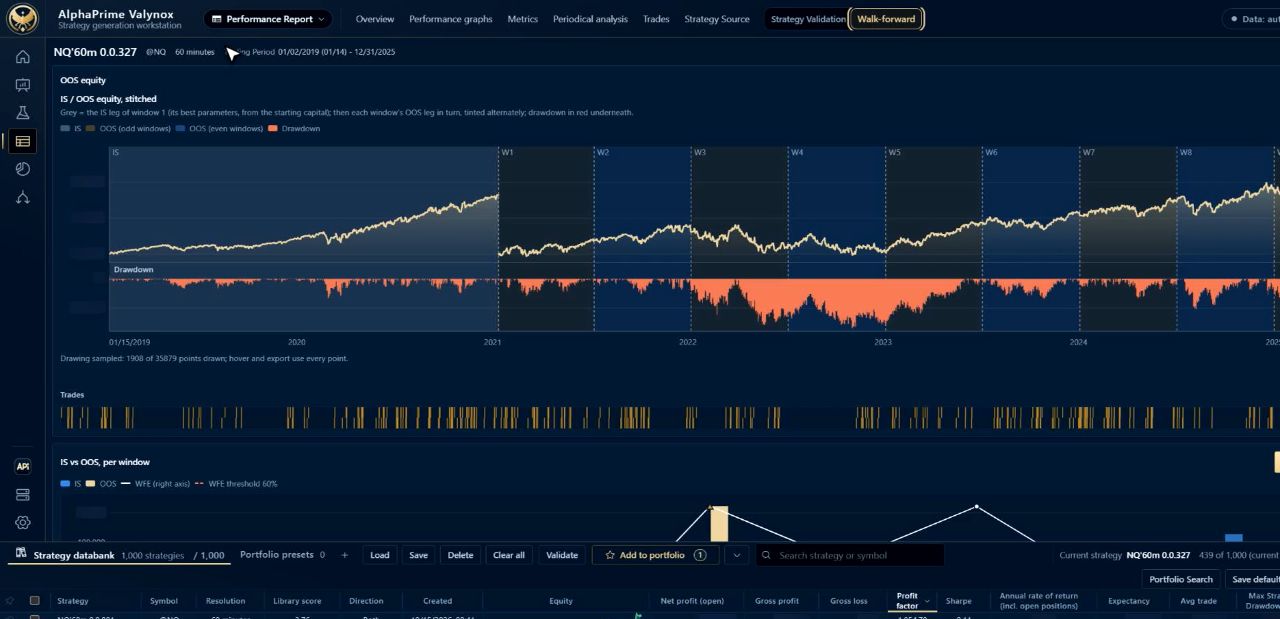
- Generate, backtest and validate strategies with MultiAlphas on your computer, then export the source code.
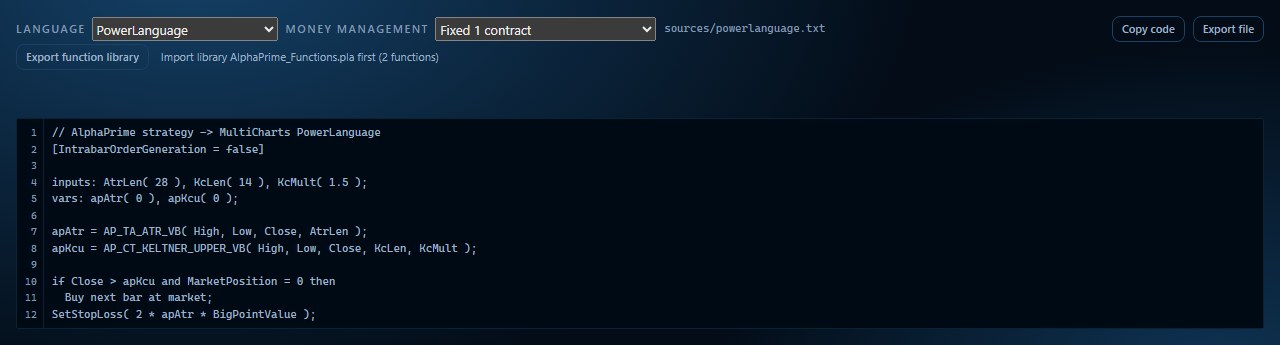
- Connect to TradingVPS by Remote Desktop and install your trading platform. For NinjaTrader and MultiCharts, import the MultiAlphas library first.
- Import the strategy on the VPS and compare its trade list with your research on the same data.
- Run it on a simulation account first, check restarts, disconnection handling and fills, then decide on your next step.
On 23 October 2026 TradingVPS published a guide to researching ES and NQ strategies with MultiAlphas and taking them to NinjaTrader for testing. Read the article
Details from the TradingVPS website and article, checked November 2026. Plans and specifications are as listed by TradingVPS.